 Sakvora
The free cost calculator at /hitung-hpp works for anyone, no sign-up needed. Share it with fellow 3D print sellers or prospective customers.
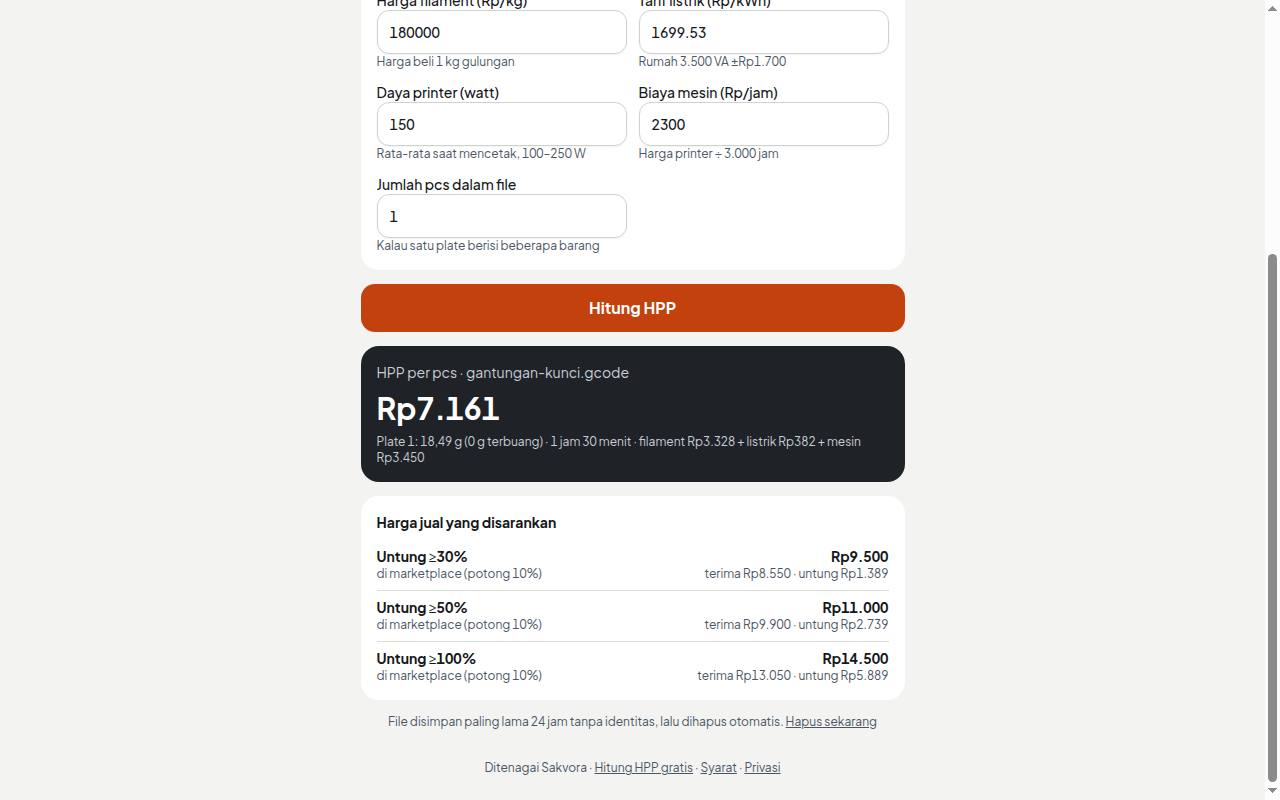
How to use it
- Upload a file: either sliced (
.gcode.3mf,.gcode) or raw (.stl,.3mf), up to 30 MB. - Raw files are sliced on the server with standard settings, one file at a time and for up to 2 minutes. If the server is busy, try again shortly.
- Enter your own filament price, electricity rate, printer power, and machine cost.
- See the unit cost and suggested selling prices.
Files are stored anonymously for up to 24 hours, then deleted automatically (or click Delete now). To try different rates, upload the file and calculate again.
Print with Sakvora
When the Sakvora shop is open, a Print with Sakvora card appears below your results with a firm price for printing your file. You can then order and pay straight away, as in the Online shop.
Inside the app, Cost calculator gives a fuller calculation with your own printers, overhead, and sales channels.